Introduction
Honestly, I wish I had these tools when I first started coding.
Learning to code is already tough syntax errors at 2 AM, Stack Overflow rabbit holes, and that one bug that makes zero sense. But in 2026, the best AI tools for coding students have completely changed the game
I’ve personally tested all of these, and in this post I’m sharing the 7 that actually made a difference not just the hyped ones, but the ones I actually kept using.
Whether you’re in your first semester or already building projects, at least one of these will seriously change how you code

Why Do Coding Students Need AI Tools in 2026?
AI coding tools do not replace the process of learning. They make it faster. Here is why every student who is learning to code should be using AI coding tools:
Instant explanations for errors: You do not have to spend a lot of time searching for the error on Google for twenty minutes
Faster debugging: AI coding tools can find mistakes in your code before you even try to run it
Deeper understanding: You can ask AI coding tools why the code works, not just copy it
Real-world readiness: Every technology company is using AI coding tools now so learning about them early on will give you an advantage
Now lets talk about the actual AI coding tools.
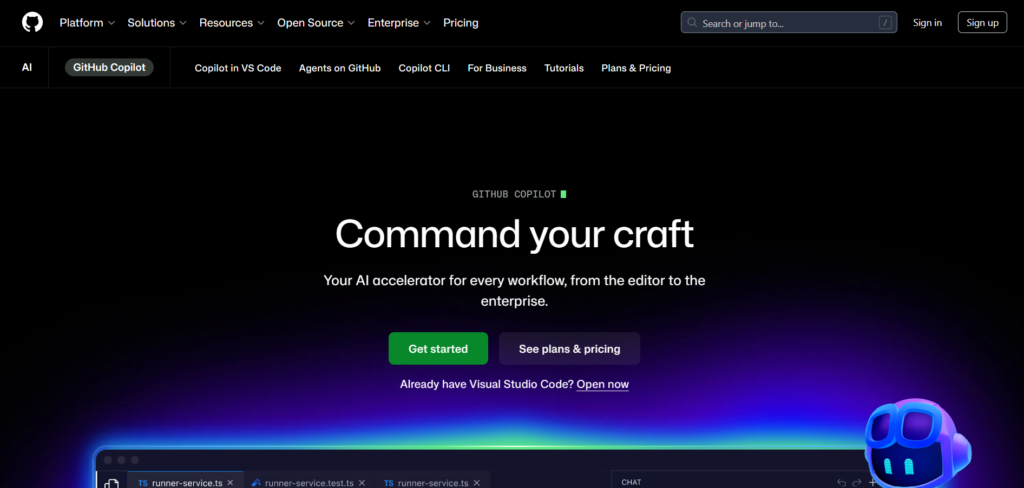
1. GitHub Copilot – Best for IDE Integration
Website: github.com/features/copilot
Price: Free for students (GitHub Education) | $10/month for individuals
GitHub Copilot is the thing every coding student should get in 2026. If you are a student you can get it for free with the GitHub Education pack. It works inside your editor. GitHub Copilot suggests lines or blocks of code as you type.
Key Features:
- GitHub Copilot does real-time code autocomplete inside VS Code, JetBrains and more
- Understands the context of your entire file
- GitHub Copilot supports Python, JavaScript, Java, C++ and a lot of other languages
- Helps write comments and documentation automatically
My Experience:
I used Copilot on a Python data science project. GitHub Copilot cut my work time in half. It is not perfect every time, but it is right often enough that I never turned it off. I kept using GitHub Copilot because it was helpful.
Best for:
Students using VS Code or JetBrains who want real-time suggestions, from GitHub Copilot.
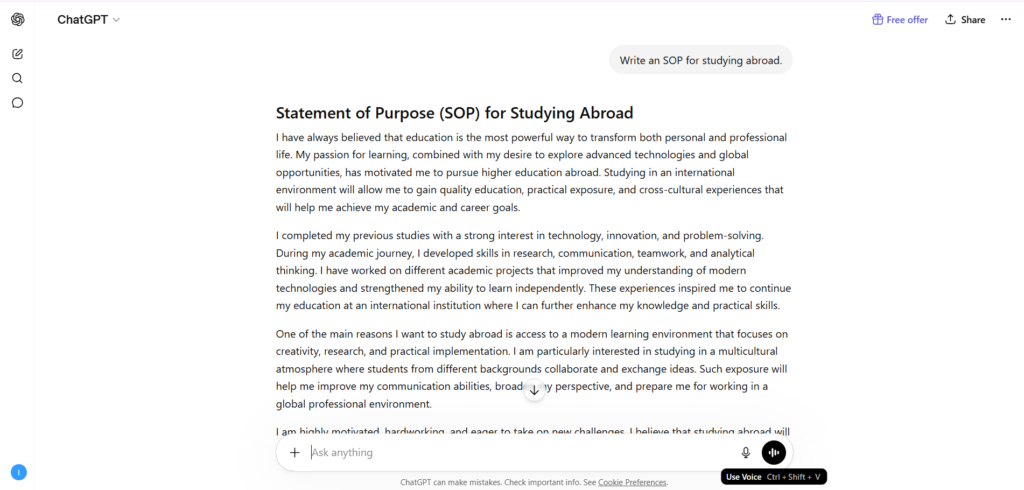
2. ChatGPT – Best for Debugging & Explanations
Website: chat.openai.com
Price: Free | $20/month (Plus)
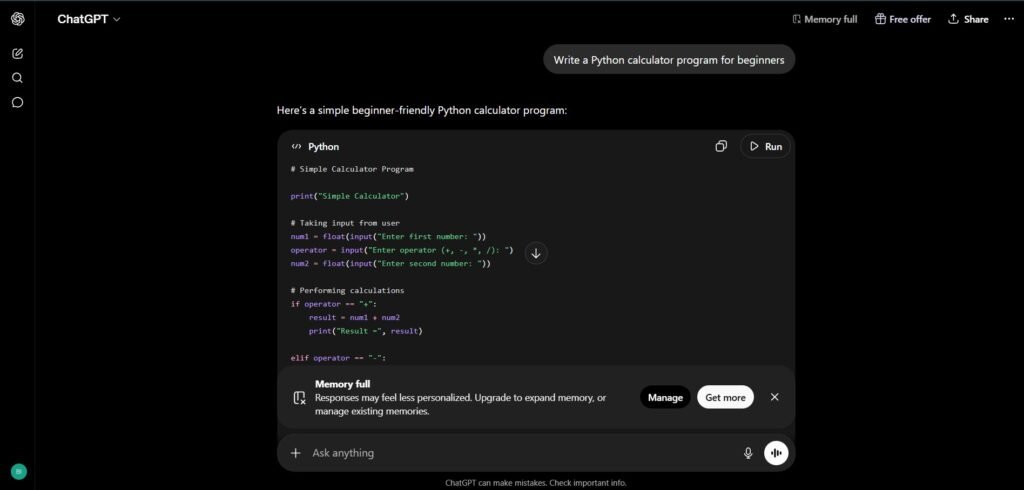
ChatGPT is one tool that every student already has open but most of them are not using it to its full potential. For coding it acts as a tutor, a debugger and a code reviewer in one tab.
Key Features:
- Paste any error. Get a clear explanation right away
- It explains concepts like recursion or Object-Oriented Programming in words
- Works with every major programming language, including Python, JavaScript, SQL and HTML/CSS
- Refines your code step-by-step through a conversation
My Experience:
I once got stuck on a recursive Python function for over an hour. I pasted it into ChatGPT. Got a working fix along with a proper explanation in just 5 minutes. That’s the kind of help thats hard to find elsewhere.
Best for:
Understanding errors learning concepts and getting unstuck quickly. That’s what ChatGPT is all, about.
3. CursorAI – Best All-in-One AI Code Editor
Website: cursor.com
Price: Free (Hobby) | $20/month (Pro)
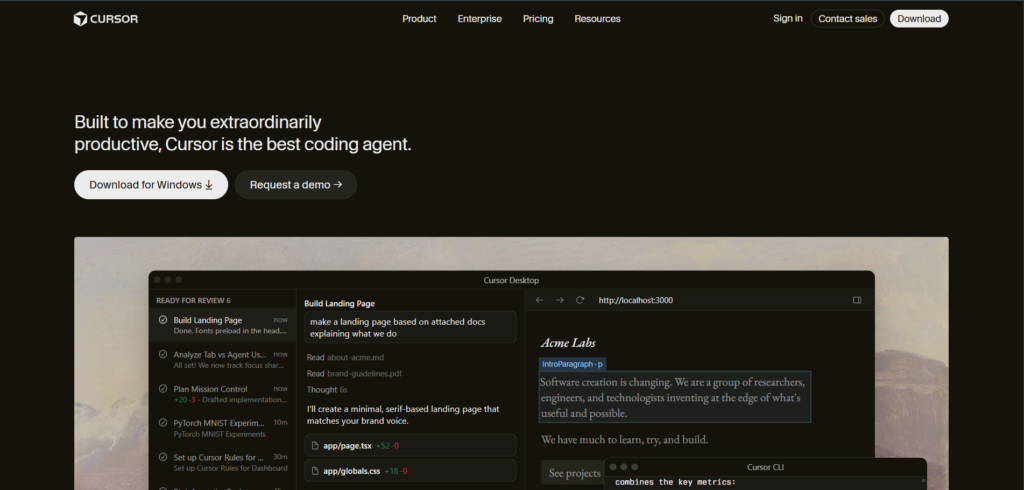
Cursor is a code editor that is built on VS Code but it has artificial intelligence built into everything.
The best thing about it is that you can talk to your code. Ask it questions about your project files. It will answer based on your actual code.
Key Features:
- You can chat with your codebase. For example you can ask where is the login function?
- The AI can edit files at once based on a single description.
- You can get a one-click explanation for any code that you highlight.
- The free plan is generous enough for students.
My Experience:
I started using Cursor for a full-stack project. I never went back to using plain VS Code. I got into the habit of pressing Ctrl+K to explain code that was confusing me inside the editor. It became a part of my workflow.
Best for:
Students who want a code editor that uses AI and is available in 2026 should consider Cursor. It is a tool for students. Cursor has AI built into it. The AI, in Cursor is very helpful. Students will like Cursor.
4. Codeium – Best Free Copilot Alternative
Website: codeium.com
Price: Free (forever) | $12/month (Pro)
I am having trouble getting the GitHub Education pack. Codeium is an alternative that gives you Copilot-level autocomplete completely for free with no limits on how much you can use it. And it works in a lot of different editors more than 40.
Key Features:
- Codeium is completely free and you can use it much as you want
- It supports a lot of programming languages more than 70
- Codeium works in VS Code, JetBrains, Neovim and many other editors
- It has a built-in chat that uses artificial intelligence to help you with coding questions
My Experience:
I helped a friend get started with Codeium when she was learning Python from the beginning. It only took ten minutes to set up. She really liked it saying it felt like having a tutor who never got frustrated. Codeium is definitely the free option for coding, especially in 2026.
Best for:
Students who do not have a lot of money and want an artificial intelligence to help them with their code. They do not have to pay anything for it.
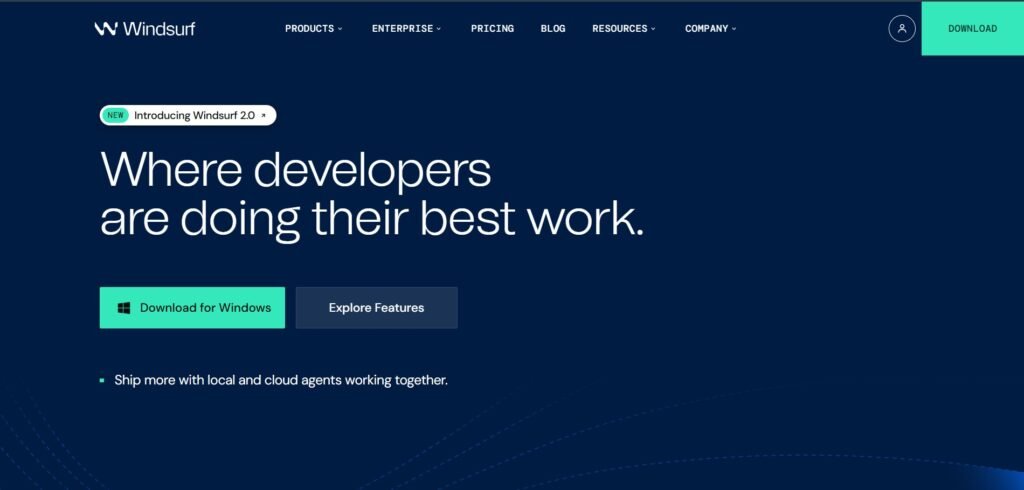
5. Tabnine – Best for Personalized Suggestions
Website: tabnine.com
Price: Free (Basic) | $12/month (Pro)
Tabnine gets to know your coding style over time. Gives you suggestions that are just like how you write code. It also works on your device so your code is never sent anywhere else.
Key Features:
- It learns how you code and gives you suggestions that fit your style
- You can use it without being connected to the internet which’s good for keeping your code private and working in places with limited access
- It works with all the coding tools and editors
- It is very good at understanding coding frameworks like React, Django and Spring
My Experience:
I used Tabnine on a Django project for a weeks and it started giving me suggestions that were exactly like my code. It did not feel like it was just filling in the blanks it felt like it really understood how I code.
Best for:
Students who want personalized AI suggestions and care about code privacy.
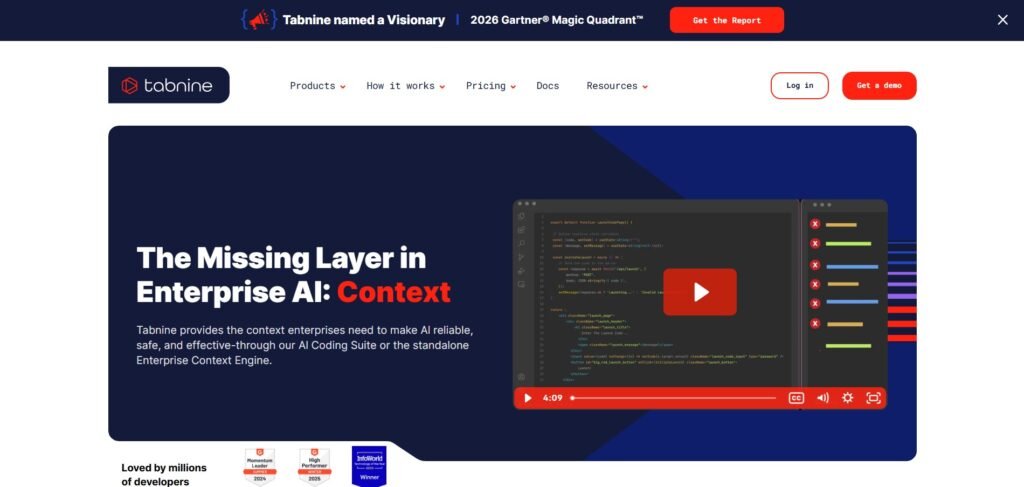
6. Replit AI – Best for Beginners
Website: replit.com
Price: Free | $20/month (Core)
Replit is a coding environment that you can use in your browser. No need to install anything.
Just open it. Start coding. The AI built into Replit makes it super easy for beginners to use. Its a great option in 2026.
Key Features:
- Zero setup. It runs in your browser
- The AI explains errors in words
- Replit supports than 50 languages, including Python, JavaScript, Java and HTML/CSS
- It can even help you create a project based on a description
My Experience:
My friend tried it out and she had no coding experience at all. With Replit AI she was able to build a working to-do app in just two days. The fact that you don’t need to set anything up makes it really easy to get started.
Best for:
Complete beginners or anyone who wants to code instantly without setting anything up.
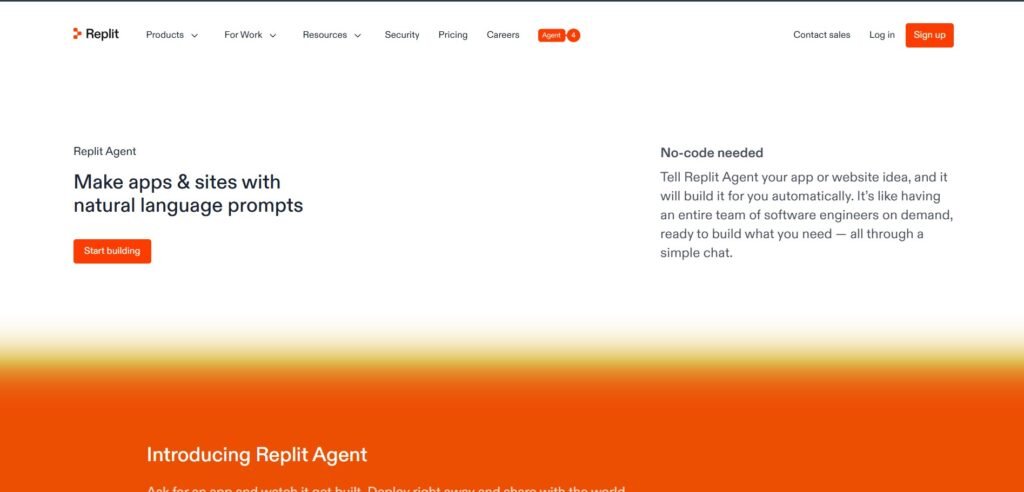
7. Google Gemini – Best for Research + Coding Together
Website: gemini.google.com
Price: Free | $20/month (Advanced)
Gemini is not a tool for coding it is also a tool that helps with research and reasoning and it writes very good code. For people who are studying data science, machine learning or other things that need a lot of research Gemini is very helpful in 2026.
Key Features:
- It explains things and shows how the code works at the time
- It looks on the internet for the most recent information and examples
- It works with Python, JavaScript, SQL, Bash and other things
- It works with Google Docs, Drive and Gmail
My Experience:
I was working on a machine learning project and I asked Gemini to explain something called gradient descent and to write the code for it in Python. Gemini did both things in one to understand answer. This is something that other tools do not do well they do not explain things and write code at the same time.
Best for:
Data science and ML students who need research + code help together.
Which One Should You Start With?
- Total beginner? → Replit AI – no setup needed
- On a tight budget? → Codeium – free forever
- Have a GitHub account? → GitHub Copilot – grab the free student plan now
- Need to understand code better? → ChatGPT or Gemini
- Want the best AI editor in 2026? → CursorAI
Personally, I run GitHub Copilot in my editor and keep ChatGPT open in a tab. That combo covers 90% of what I need day-to-day.
Frequently Asked Questions
Q1: Are AI coding tools for students to use in 2026?
Yes, they are safe. All the tools on this list are used by millions of developers every day. When you use them just make sure to read a tools privacy policy if you’re working with code.
Q2: Will AI tools hurt my learning?
Not if you use them the way. Always read what the AI generates and make sure you understand why it works. Don’t just. Paste.
Q3: What is the best AI coding tool for Python beginners in 2026?
ChatGPT and Replit AI are good. Both explain errors in words and are easy to start with right away.
Q4: Is GitHub Copilot really free, for students?
Yes it is free. You just need to verify your student status through GitHub Education. Then you get Copilot completely free. It usually takes 1 to 2 days to verify.
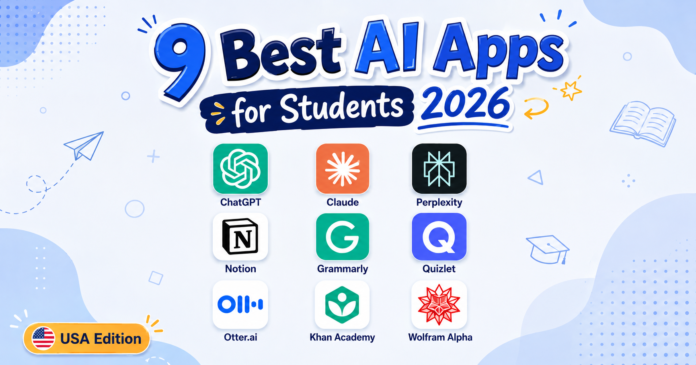
If you want more productivity tools, check out our list of best AI apps for students to improve learning and coding skills.
Final Thoughts
In 2026 AI tools for coding students are not something you can do without. They are the way modern developers actually do their work. The sooner you get used to AI tools for coding students the better you will be at your job. You should start with the free AI tools for coding students see what you like and then go from there. Every AI tool for coding students on this list is worth trying out least once.
If you have an AI tool for coding students that’s not on this list you can tell me about it in the comments. I am always looking for new AI tools, for coding students to try out.