


Introduction
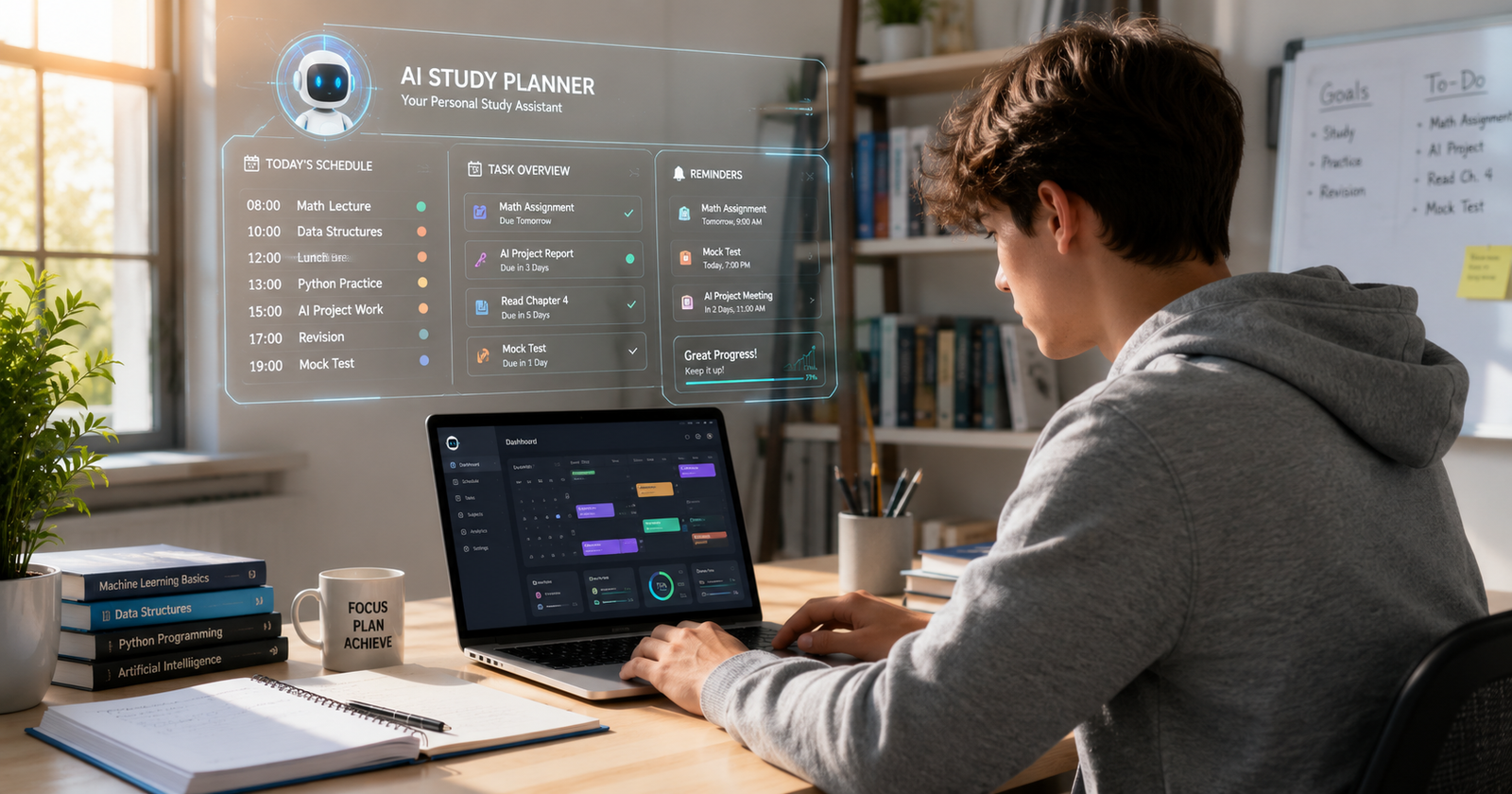
AI study planner tools for students are becoming one of the most powerful ways to manage study schedules and assignments in 2026.
Let me be honest with you.
I was once a student who had three finals in one week, two overdue assignments, and absolutely no plan at all. Every Sunday night, I would open my laptop, look at my calendar, and just freeze because I did not know where to start.
Does this sound familiar to you?

Things changed for me when I started using AI study planner tools.
They did not magically make me smarter or anything. They simply gave me something I really needed: a study schedule that actually worked and did not completely fall apart after two days.
Today, many students use AI-powered planners to organize assignments, build schedules, manage study sessions, and reduce stress without spending hours planning everything manually.
The best part about AI study planner tools is that they automatically adjust your schedule when things change. Honestly, that alone can make student life feel far less chaotic.
In this guide, I am sharing:
- The best AI study planner tools for students
- The tools I personally tested
- What actually worked for me
- Which AI planner might fit your study style best
Why AI Study Planner Tools Are Becoming So Popular
Here is the problem with traditional planners.
They are passive.
You write down what you hope to do, but real life happens. Classes run late. Assignments pile up. Suddenly your perfect study routine disappears by Tuesday.
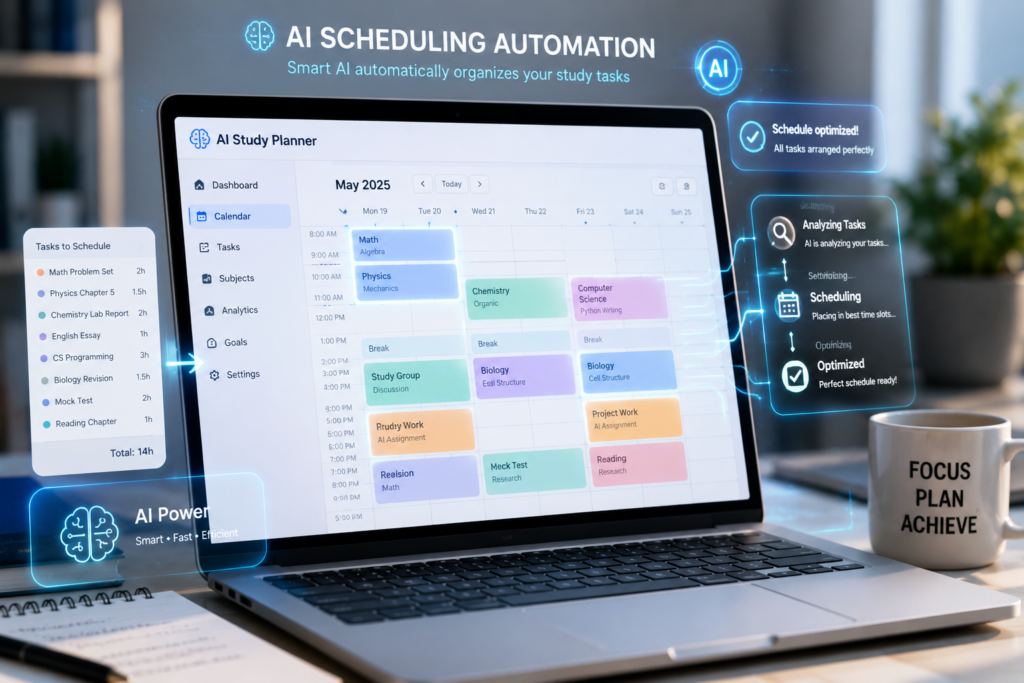
AI study planners work differently.
Instead of simply storing tasks, they adapt to your real routine. You enter:
- Your deadlines
- Class schedules
- Study hours
- Free time
And the AI creates a study plan around your actual lifestyle.
That is why more students in the USA are starting to rely on AI study planner tools in 2026.
Students find them useful because they:
- Reduce planning stress
- Help students stay consistent
- Automatically reschedule tasks
- Improve time management
- Make studying feel more organized
In my experience, the biggest benefit was not just productivity. It was peace of mind. I stopped constantly worrying about what I had forgotten.
The 6 Best AI Study Planner Tools for Students in 2026
1. Notion AI – Best All-in-One Study Workspace
Official Website
Price
Free for students with a verified .edu email
Paid plans start around $10/month
Notion AI combines:
- Notes
- Planning
- Assignment tracking
- AI summaries
- Productivity tools
All in one workspace.
I used it for:
- Turning syllabi into study schedules
- Organizing deadlines
- Managing lecture notes
- Tracking semester progress
One thing that really surprised me was how quickly it organized information into something manageable.
I uploaded a PDF once and asked Notion AI to create a 30-day study plan, and it did it in under a minute.
Best Features
- AI-generated summaries
- Smart task organization
- Student templates
- Study calendars and trackers
My Honest Experience
The setup honestly felt confusing at first. But after a few days, it became the center of my entire academic workflow.
2. Reclaim.ai – Best for Busy Students
Official Website
Price
Free plan available
Paid plans start around $8/month
If your schedule feels chaotic, this tool can really help.
Reclaim.ai connects directly with your calendar and automatically finds study sessions based on your real availability.
Best Features
- Automatic study scheduling
- Smart rescheduling
- Focus time protection
- Google Calendar sync
My Honest Experience
I tested Reclaim.ai during a semester where I was balancing classes, assignments, and freelance work together.
Honestly, it reduced pressure more than I expected.
3. Motion – Best for Automation
Official Website
Price
Starts around $19/month
Motion automatically creates your schedule based on:
- Deadlines
- Priorities
- Tasks
- Free time
Best Features
- Schedule automation
- Smart deadline management
- Calendar and task management
- Priority-based planning
My Honest Experience
I tested Motion during finals week, and honestly, it handled scheduling better than I would have manually.
4. Taskade – Best for Visual Planning
Official Website
Price
Free plan available
Paid plans start around $8/month
Taskade focuses heavily on organization.
You can switch between:
- Mind maps
- Calendars
- Boards
- Lists
- Checklists
Best Features
- AI flashcards
- Study summaries
- Visual planning
- Team collaboration
My Honest Experience
I used Taskade during a group project, and it made collaboration feel smooth and organized.
5. MyStudyLife – Best Free Option for Simple Scheduling
Official Website
Price
Free
Sometimes you do not need fancy features.
You just need a reliable planner designed specifically for students.
That is exactly what MyStudyLife offers.
It understands:
- Rotating class schedules
- Semester structures
- Exam dates
- Assignment tracking
Best Features
- 100% free forever
- Syncs across devices
- Built specifically for students
- Offline access
My Honest Experience
Before I started using advanced AI planners, this was honestly one of the best traditional study planners I found.
6. TickTick – Best for Building Study Habits
Official Website
Price
Free plan available
Premium starts around $27.99/year
TickTick combines:
- Task management
- Focus tools
- Habit tracking
- Pomodoro sessions
What helped me most was the built-in Pomodoro timer.
You study for 25 minutes, take a short break, and then repeat the cycle.
Best Features
- Pomodoro timer
- Habit tracker
- Calendar and task management
- Cross-platform support
My Honest Experience
If you struggle with procrastination or consistency, TickTick may honestly help more than advanced AI tools.
How I Actually Use These Tools Together
Here is the setup I personally use during busy semesters.
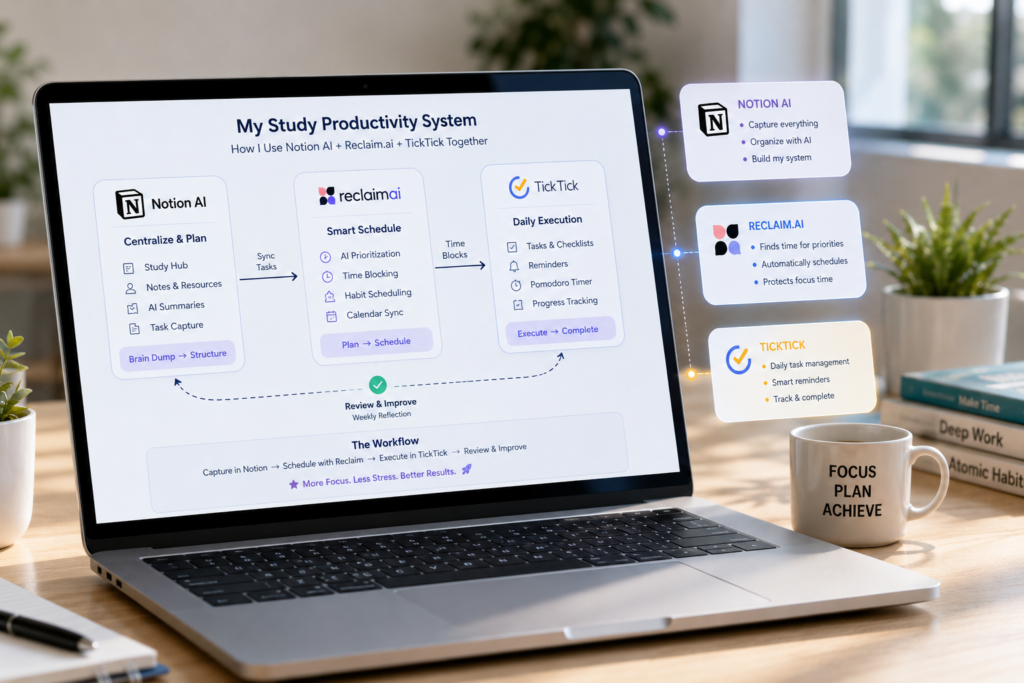
Notion AI → My Main Workspace
I use Notion AI as my main academic workspace.
Everything goes there:
- Notes
- Assignments
- Deadlines
- Study trackers
Reclaim.ai → Calendar Protection
I connect Reclaim.ai with my Google Calendar so it automatically protects my study sessions.
TickTick → Daily Focus Sessions
When it is time to study, I use TickTick’s Pomodoro timer to stay focused and avoid distractions.
Which AI Study Planner Tool Should You Choose?
| Your Situation | Best Tool |
| Want one tool for everything | Notion AI |
| Need automatic scheduling | Reclaim.ai |
| Want automation | Motion |
| Prefer visual planning | Taskade |
| Need a free planner | MyStudyLife |
| Struggle with focus | TickTick |
Related Guide: AI Tools for Research Papers Students
If you also want tools for assignments and academic writing, check this guide:
AI Tools for Research Papers Students
Frequently Asked Questions (FAQs)
1. Are AI study planners better than Google Calendar?
Yes, for most students. Google Calendar helps manage appointments, but AI planners actually build and adjust study schedules automatically.
2. Are AI study planner tools allowed in US universities?
Yes, Most universities allow study planning tools because they help students organize time rather than complete assignments dishonestly.
3. Which AI study planner is best for students with no money?
MyStudyLife, Reclaim.ai free tier, and Notion AI’s student plan are all good free options.
4. Can AI planners help with exams?
Yes, They can create revision schedules based on:
- Exam dates
- Study hours
- Subject difficulty
5. What happens if I miss a study session?
Tools like Reclaim.ai and Motion automatically reschedule missed sessions into free time slots.
6. Is it confusing to use multiple tools together?
At first, yes.
That is why I recommend starting with one tool before building a bigger productivity system.
Final Thoughts
After testing multiple AI study planner tools for students, I realized something important:
The best tool is the one you will actually use consistently.
Some students prefer automation, while others simply need a planner that keeps them organized.
In my experience, even a structured study routine can reduce stress and improve productivity more than most students expect.
The goal is not to let AI control your studies.
The goal is to use AI to stay organized, reduce stress, and make studying feel more manageable.