
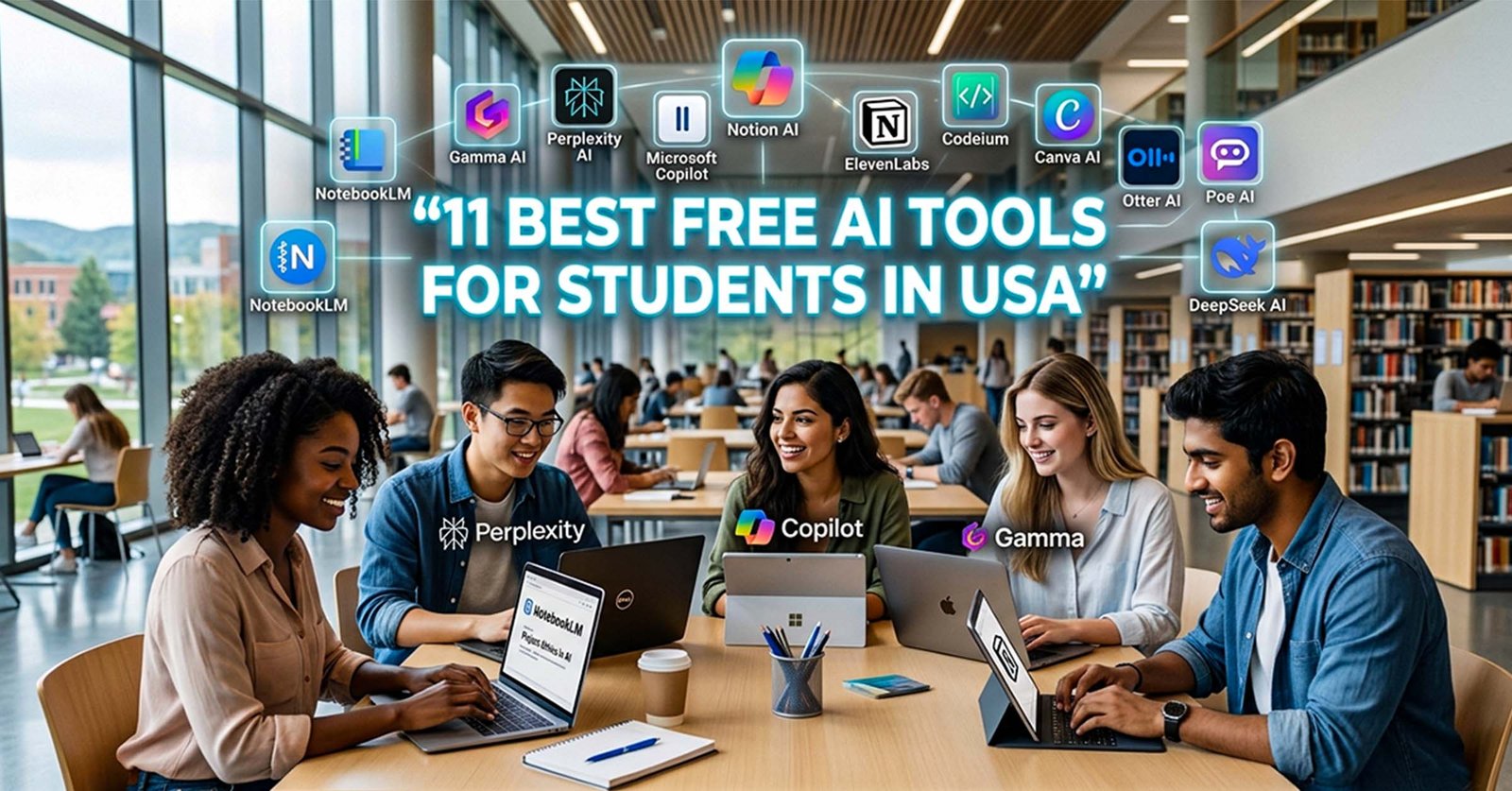


College life in the U.S. isn’t easy. Between assignments, deadlines, presentations, and exams, it often feels like there just aren’t enough hours in a day.
That’s exactly where the best free AI tools for students in USA come in.
I’ve personally explored dozens of tools while working on student-focused content, and honestly, not all of them are worth your time. So instead of repeating the same overhyped list, I picked tools that are actually useful, free, and practical for students in 2026.
Why AI Tools Matter for Students

AI tools today are more like a study partner than just software.
They can help you:
- Break down complex topics
- Turn messy notes into structured summaries
- Save hours on research
But the smartest students aren’t the ones copying answers they’re the ones using AI to learn faster.
NotebookLM – Smarter Study Notes
Official Website: https://notebooklm.google.com

NotebookLM is not just another AI chatbot it actually feels like a personal study assistant built for students. You can upload your lecture notes, PDFs, or study materials, and it will break everything down into simple explanations, summaries, and even helpful study questions.
What makes it really useful is that it doesn’t search random information from the internet. Instead, it only works with the content you provide, which keeps everything focused and accurate for studying.
If you often struggle with long lecture notes or complex topics, this tool can make revision much easier and less stressful.
Key Features:
- Converts notes and PDFs into clear summaries
- Creates study guides and practice questions
- Explains complex topics in simple language
- Works only with your uploaded material (more accuracy)
- Great for quick revision before exams
Best for: Exam preparation and understanding lectures
Gamma AI – Create Presentations in Minutes
Official Website: https://gamma.app

If you’ve ever spent hours designing slides for a presentation, you’ll appreciate what Gamma does. You simply give it a topic, and it builds a clean, structured presentation for you within seconds. The layouts look modern, and you don’t need to worry about design at all.
It’s especially helpful when you’re short on time but still want your work to look polished and professional.
Key Features:
- Instantly generates presentations from a topic
- Clean, modern slide designs
- Converts text into structured slides
- Export as PDF or PowerPoint
- Beginner-friendly interface
Best for: Class presentations and assignments
Perplexity AI – A Smarter Way to Research
Official Website: https://www.perplexity.ai

Perplexity feels like a mix of Google and an AI assistant. Instead of showing endless links, it gives you direct answers along with sources you can actually trust. This makes research much faster and more reliable, especially for academic work.
It’s a great tool when you need quick, accurate information without going down a rabbit hole of websites.
Key Features:
- Provides answers with cited sources
- Fast and clean search experience
- Great for academic research
- Supports follow-up questions
- Saves time on browsing
Best for: Research and fact-checking
Microsoft Copilot – Your Everyday AI Assistant
Offical Website: https://copilot.microsoft.com

Microsoft Copilot is one of the most accessible AI tools right now, and the best part is it’s free. Whether you’re writing an essay, brainstorming ideas, or trying to understand a topic, it handles everything smoothly.
It’s like having a reliable assistant you can turn to anytime you’re stuck.
Key Features:
- Free access to advanced AI
- Helps with writing and brainstorming
- Quick explanations for topics
- Works well with Microsoft tools
- Simple and easy to use
Best for: Writing tasks and academic help
Notion AI – Keep Everything Organized
Official Website: https://www.notion.com

Notion AI is more than just a note-taking app. It helps you organize your entire study life from lecture notes to daily tasks all in one place. The AI features make it easier to summarize, rewrite, and structure your content without extra effort.
If you like staying organized, this tool can make a big difference.
Key Features:
- Combines notes, tasks, and AI tools
- Summarizes long content quickly
- Helps structure messy notes
- Clean and distraction-free interface
- All-in-one workspace
Best for: Productivity and organization
ElevenLabs – Turn Text into Natural Audio
Official Website: https://www.elevenlabs.io
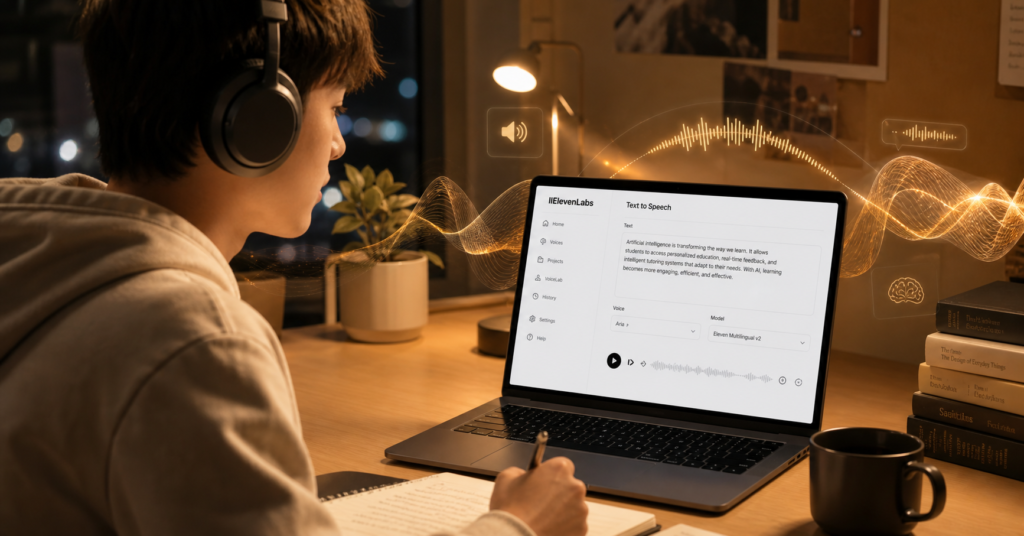
Not everyone learns best by reading. If you prefer listening, ElevenLabs can turn your notes into realistic-sounding audio. This makes it easier to study while walking, relaxing, or even doing other tasks.
It’s surprisingly natural and doesn’t sound robotic like older tools.
Key Features:
- Converts text into natural voice
- Multiple voice styles available
- Great for passive learning
- Fast and accurate processing
- Easy to use
Best for: Audio-based learning
Codeium – A Free Coding Assistant
Official Website: https://codeium.com
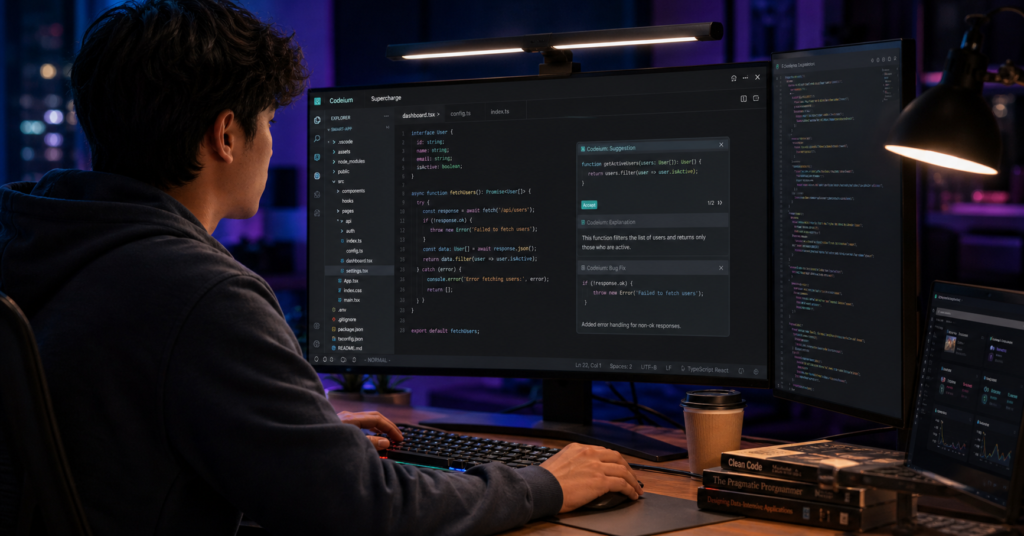
If you’re studying programming, Codeium can save you a lot of time. It suggests code as you type, helps fix errors, and even explains what your code is doing. The best part is that it offers powerful features completely free.
It’s a solid alternative to paid coding assistants.
Key Features:
- Smart code autocomplete
- Supports multiple languages
- Helps fix errors quickly
- Works with popular IDEs
- Completely free
Best for: Coding and development
Canva AI – Design Without Effort
Official Website: https://www.canva.com

Canva has made design simple, and with AI features, it’s even easier. You can create presentations, posters, and graphics without any prior design experience. The AI helps with layouts, text, and visuals.
It’s perfect for students who want their projects to look professional without spending hours designing.
Key Features:
- AI-assisted design suggestions
- Thousands of ready templates
- Drag-and-drop editor
- Easy for beginners
- Great for presentations and projects
Best for: Creative assignments
Otter AI – Never Miss Lectures
Official Website: https://otter.ai

Otter AI is a lifesaver during lectures. It records audio and converts it into text in real time, so you don’t have to worry about missing anything. Later, you can review and search through your notes easily.
It’s especially useful for long or fast-paced lectures.
Key Features:
- Real-time transcription
- Records lectures automatically
- Searchable notes
- Identifies speakers
- Easy to review later
Best for: Lecture recording and notes
Poe AI – Access Multiple AI Models
Official Website: https://poe.com
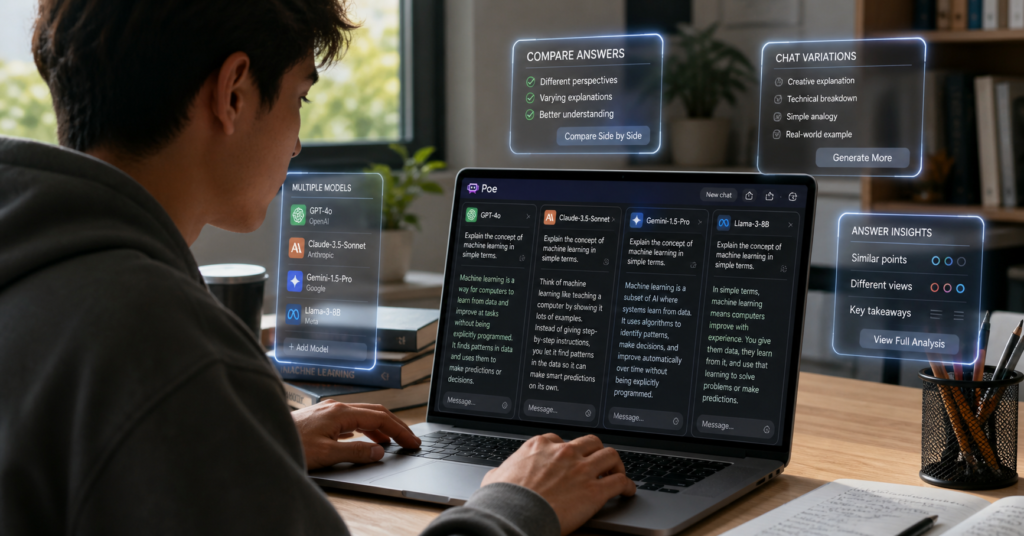
Poe lets you try different AI models in one place, which is really useful when you want better or more creative answers. Instead of relying on one tool, you can compare responses and choose what works best.
It’s a great way to explore how different AI systems think.
Key Features:
- Multiple AI models in one platform
- Easy comparison of responses
- Fast and simple interface
- Free daily usage
- Great for experimentation
Best for: Exploring AI tools
DeepSeek AI – Powerful and Free
Official Website: https://www.deepseek.com

DeepSeek is gaining attention because of how powerful it is, especially for a free tool. It handles complex questions, coding tasks, and detailed explanations really well. If you need something more advanced without paying, this is worth trying.
Key Features:
- Strong performance for complex tasks
- Fast and responsive
- Useful for coding and analysis
- Clean interface
- Free access
Best for: Advanced academic tasks
Smart Ways to Use AI
Instead of copying answers:
- Use AI to understand topics
- Rewrite content in your own words
- Ask follow-up questions
That’s how you actually improve your skills.
Frequently Asked Questions (FAQs)
Q1. Are these AI tools really free for students in the USA?
Yes, most of the tools listed offer free plans that are enough for daily student use like writing, research, coding, and presentations.
Q2. Which AI tool is best for research work?
Perplexity AI is one of the best tools because it provides direct answers with reliable sources.
Q3. What is the best AI tool for writing assignments?
Microsoft Copilot and Notion AI are great for essays, summaries, and academic writing support.
Q4. Can students use multiple AI tools together?
Yes, actually the best results come when students combine tools like Copilot, Perplexity, and Canva AI for different tasks.
Q5. Do AI tools replace studying completely?
No, AI tools are meant to assist learning, not replace it. They help you study faster and more efficiently.
Final Thoughts: Best Free AI Tools for Students in USA (2026 Guide)
AI is no longer just a trend it has become an essential part of modern student life in the USA. Whether you are writing assignments, preparing presentations, doing research, or managing your daily study routine, the right AI tools can genuinely make your academic journey easier and more efficient.
The tools we covered above are not meant to replace your learning, but to support and enhance it. The smartest students are the ones who learn how to use AI in the right way not for shortcuts, but for better understanding and productivity.
If you start using even a few of these tools consistently, you will notice a big improvement in how you study, organize, and complete your work.
Useful Resources
To explore more AI tools and productivity tips, you can also check this detailed guide:
Best AI Tools for Student Productivity 2026
https://langforddigital.com/best-ai-tools-for-student-productivity-2026/
(This will help you discover even more tools and strategies to improve your study workflow.)